Best tablet deals in May 2024
The best tablet deals from a variety of retailers. Save big on today's best tablet PCs.

Picking the best MacBook is a tough call, but we've tested and reviewed every model to make sure that you know which Apple laptop you should buy.

The Epomaker x Feker Galaxy80 is a great mechanical keyboard with a premium aluminum chassis and a light, pillowy typing experience. Its fast linear switches make it well-suited to typing and gaming.

The Acer Swift Go 14 stuns in a $799 price point that balances great performance, a sleek design, tons of ports, and a bright panel.

Take your movies everywhere with the Anker Nebular Capsule 3

The Yoga 7i Gen 9’s strengths — speakers that come alive and a strong battery — labor to outshine its flaws. The less said about the webcam, the better.
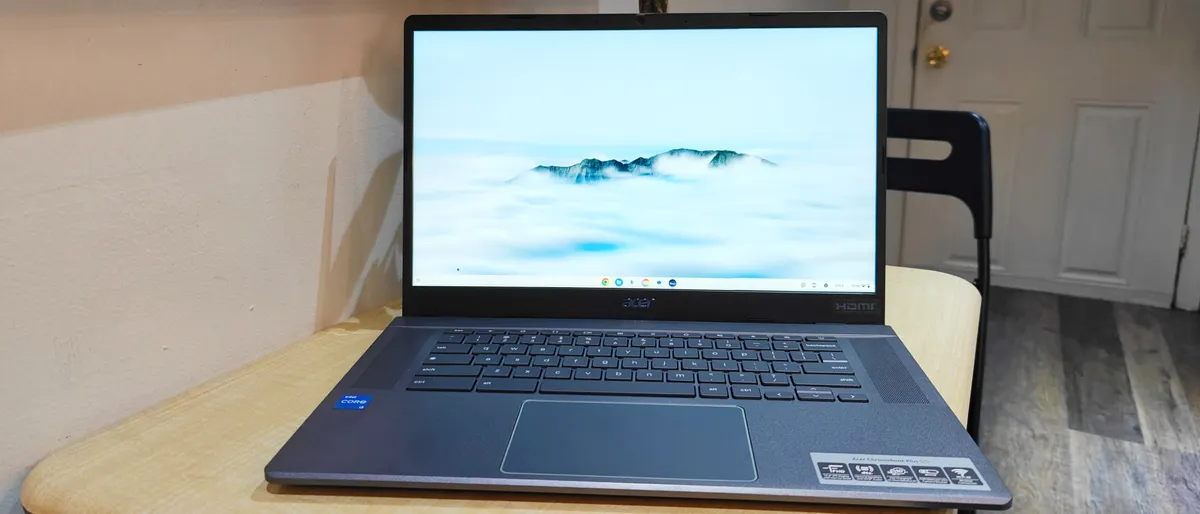
This $399 Acer Chromebook Plus 515 is a steal thanks to Google leveraging AI. The specs may not impress you, but the performance will.

The Lenovo ThinkVision P32p-30 is a vivid Thunderbolt 4 hub monitor suffering from a lack of HDR support, limited availability, and a dismally dim display panel.
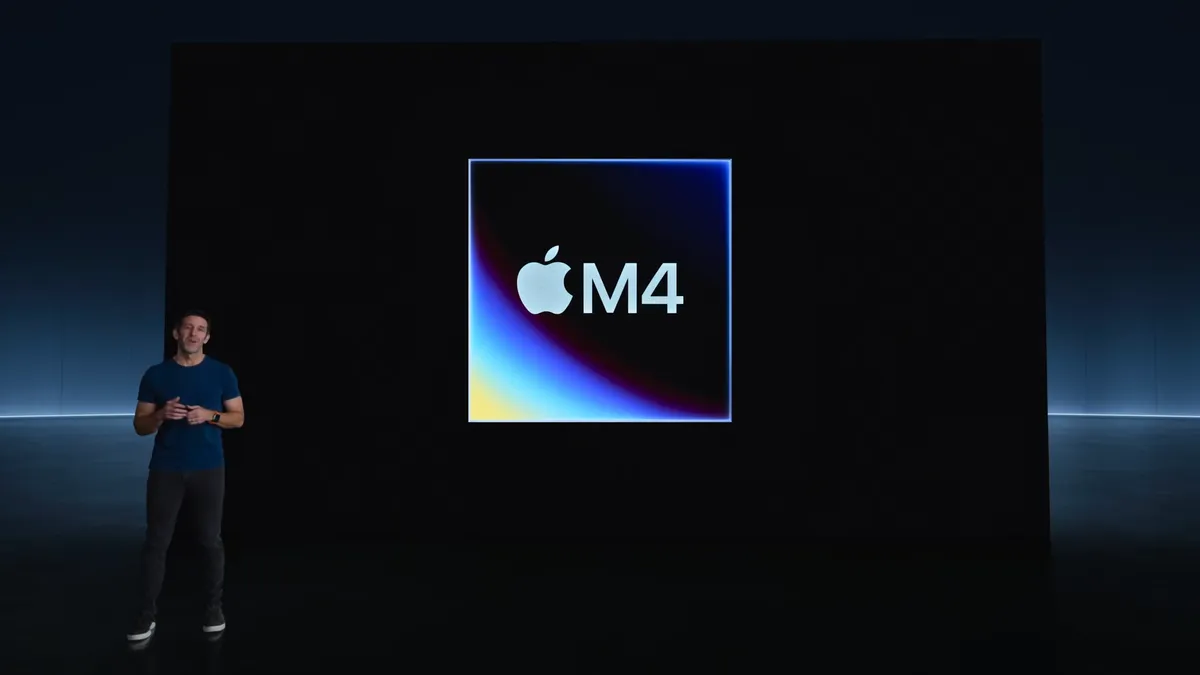
The iPad Pro M4 hasn't released yet, but that hasn't stopped Geekbench 6 performance results from leaking online — and the competition should be worried.

When Memorial Day laptop deals start, early sales to shop now, what to expect this year

OpenAI has indicated its plans to explore how to responsibly provide NSFW content through ChatGPT.
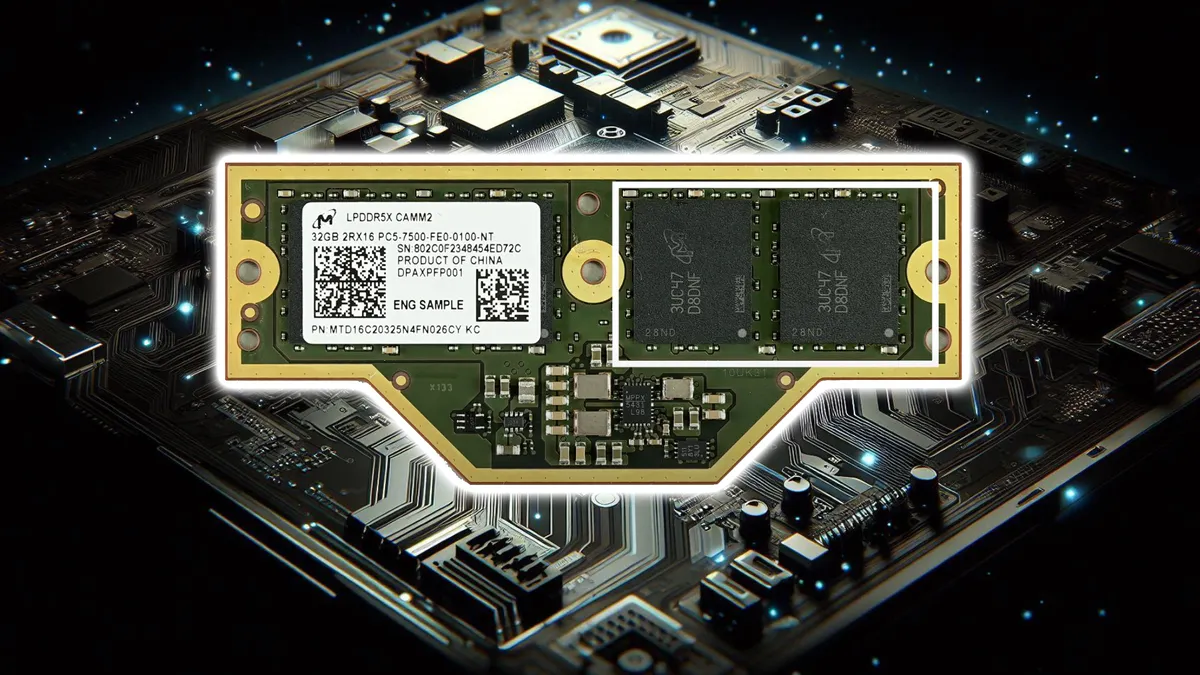
Imagine a world where your laptop's memory isn't soldered on – a relic of the past that makes self-repair nigh impossible. Now imagine being able to pop in more RAM whenever you need it

Apple's tone-deaf ad shows instruments, books, and other creative mediums being crushed and replaced by the new, "thinnest ever" iPad Pro.

Apple says the new iPad Pro’s M4 chip is better at AI processing than any other PC. But is a lack of AI features in iPadOS holding it back?

We've all got a little Uranium Fever after the Fallout TV show, and I've been satisfying my gaming itch for more in a little-known Fallout MMO. Here's how it went.

There’s something ‘off’ about the internet lately, and an old internet conspiracy theory might be able to explain it better than I ever could.
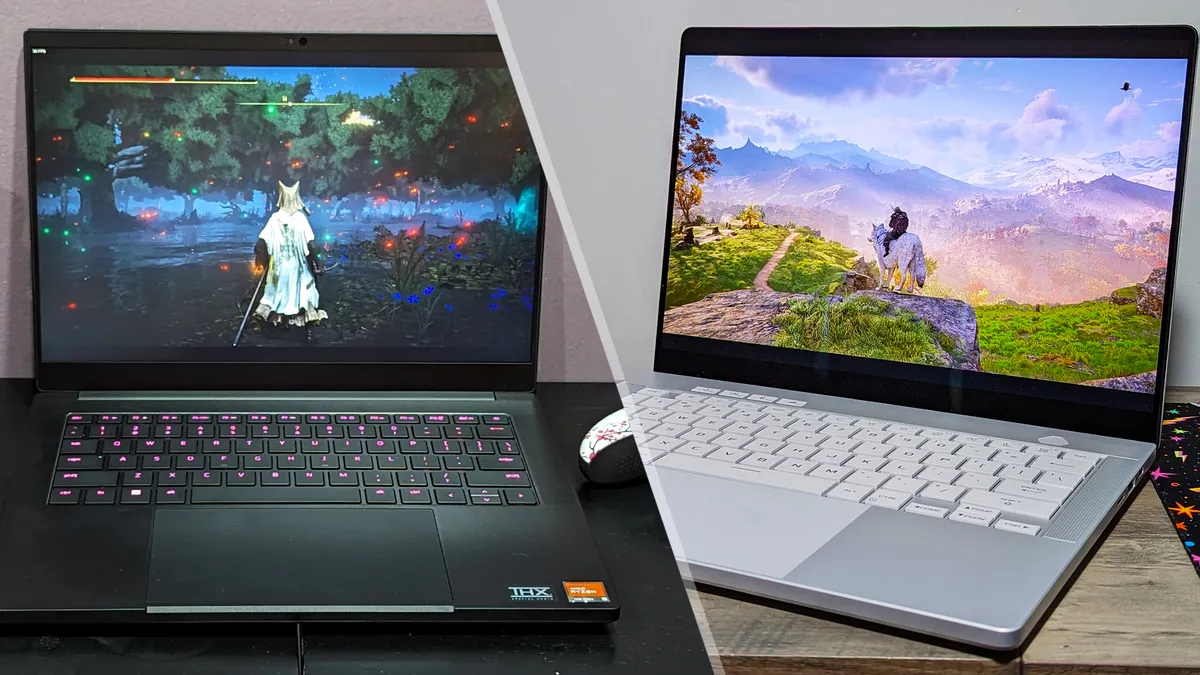
Do you want a machine that you can carry with you anywhere and is as useful at gaming as it is handling daily tasks, from work to school? Check out the Asus Zephyrus G14 and Razer Blade 14.