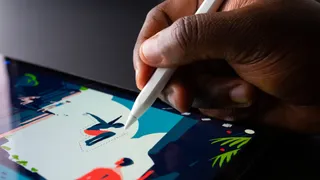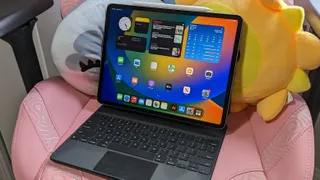
Apple announces 'Let Loose' event on May 7 with new iPads expected
Here's everything we expect to see at Apple's "Let Loose" event

Picking the best MacBook is a tough call, but we've tested and reviewed every model to make sure that you know which Apple laptop you should buy.

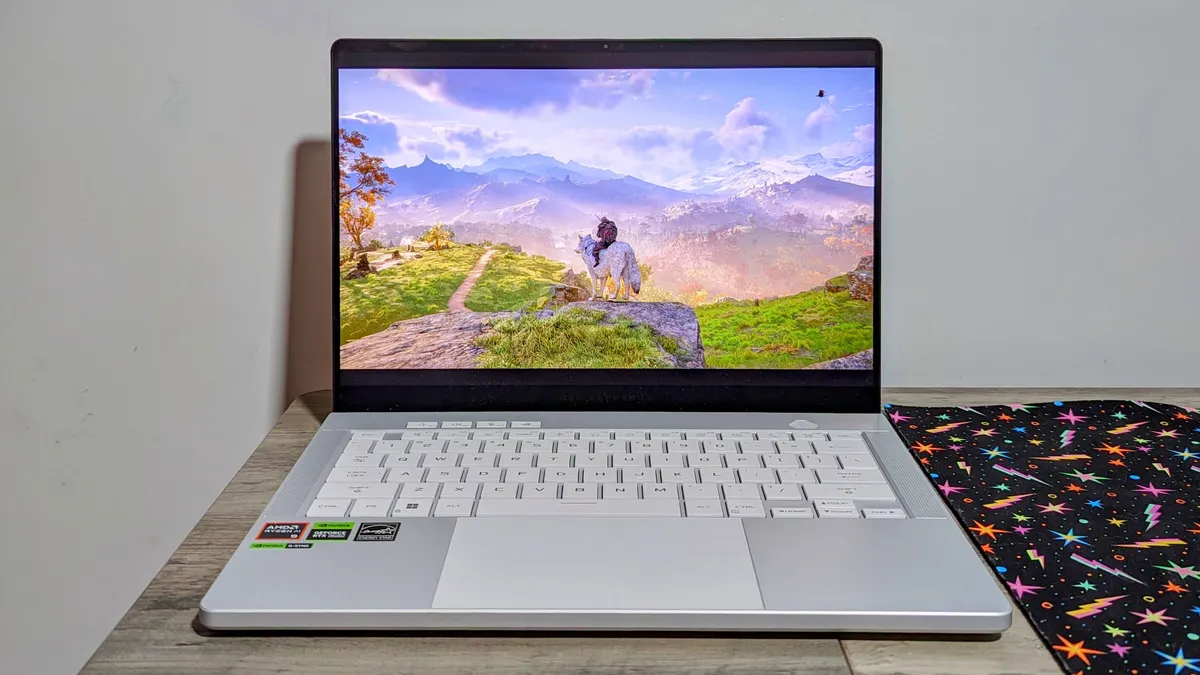
The Asus Zephyrus G14 (2024) is an excellent choice if you’re looking to play games on a gorgeous display and work on a laptop that’ll last 8+ hours.

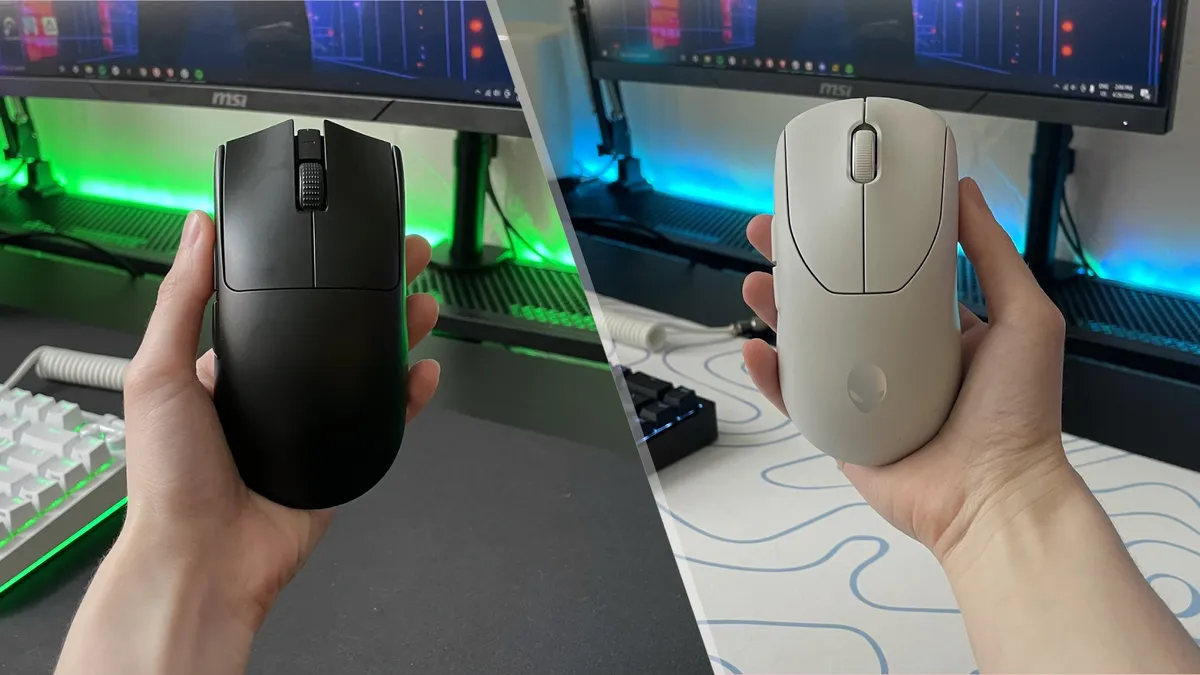
The Razer Viper V3 Pro is the first mouse with a true 8K wireless polling rate

Ori and the Blind Forest meets Black Panther in this inspiring fantasy platformer

The Anker Nebula Mars 3 Air is proof that good things come in small packages, bringing a cinema experience into the home with spacious audio, quality pictures, and a hassle-free setup.

The Endgame Gear OP1 8k gaming mouse is a weightless speed demon

The Dell XPS 14 offers excellent performance and graphics packed into a sci-fi design you’ll fall in love with for roughly 10 hours per charge, but I’m still upset about its dull display.
Tim Cook has taken to X to make one upcoming Apple announcement on May 7 plainly clear.

It’s one thing to create network slices for emergency responders and it’s another to make a 5G fast lane for streaming services — and then charge customers for it.
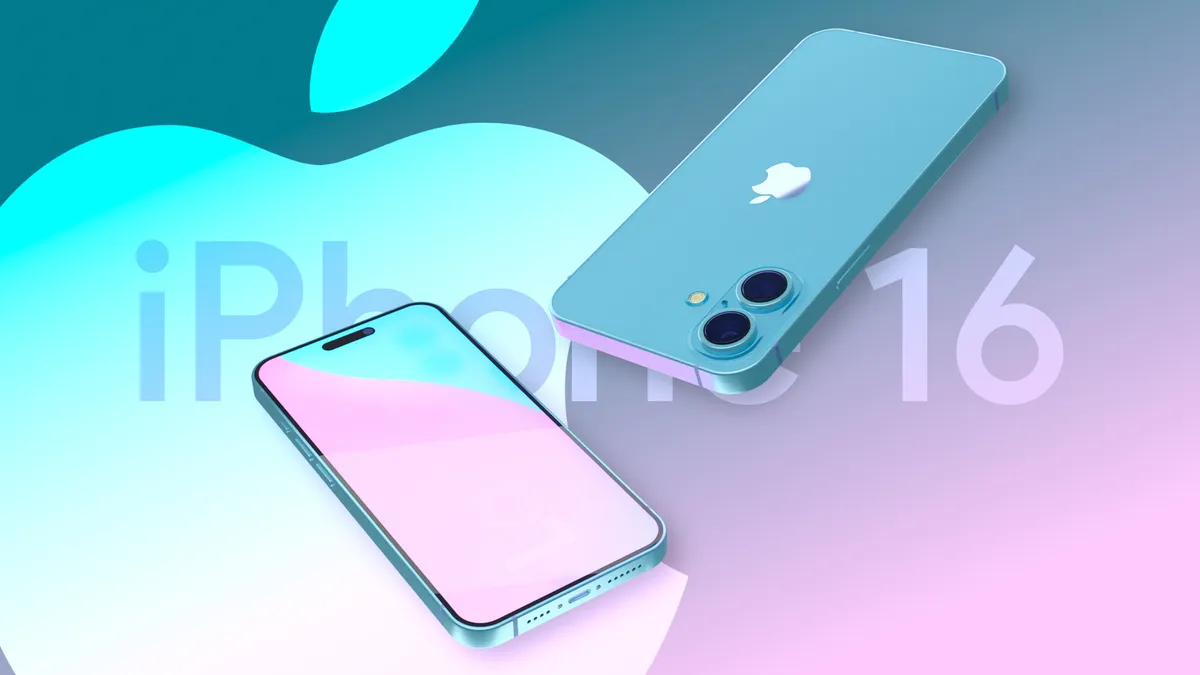
The iPhone 16 is expected to arrive later this year, and here's everything we know about Apple's device so far.

Rumors are swirling that Google might relaunch its Pixel Tablet without its claim to fame — the speaker dock —but there may be some new accessories in its place.
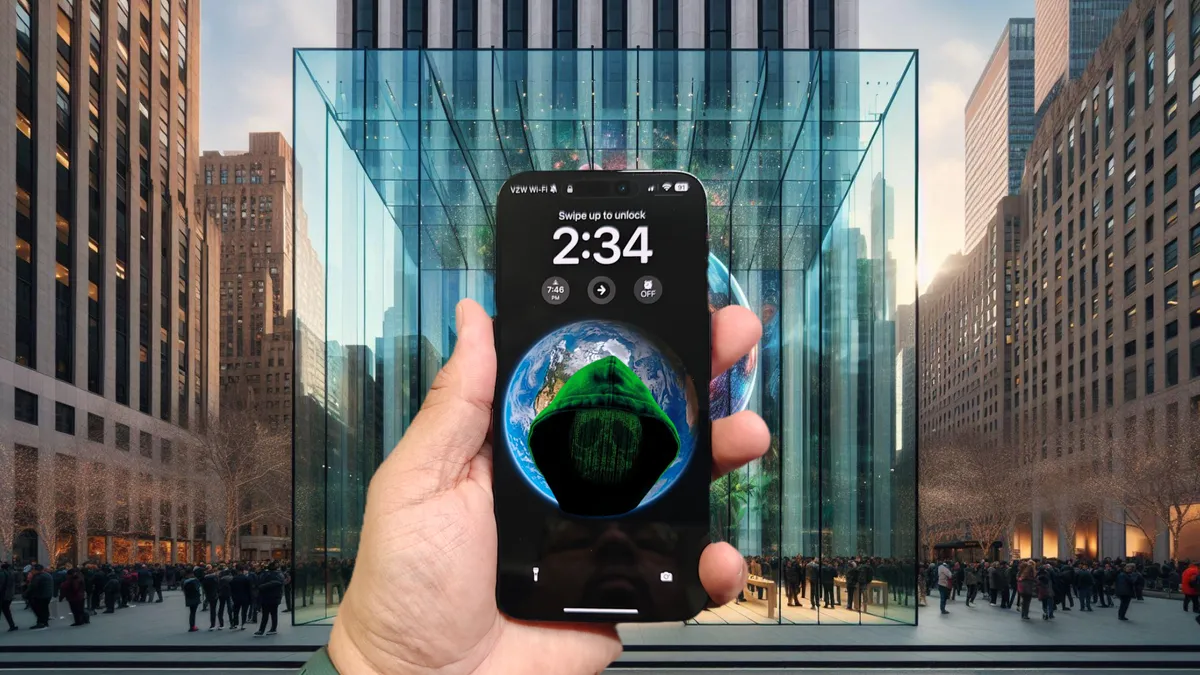
Protect yourself from threat actors taking advantage of zero-day vulnerabilites on your iPhone
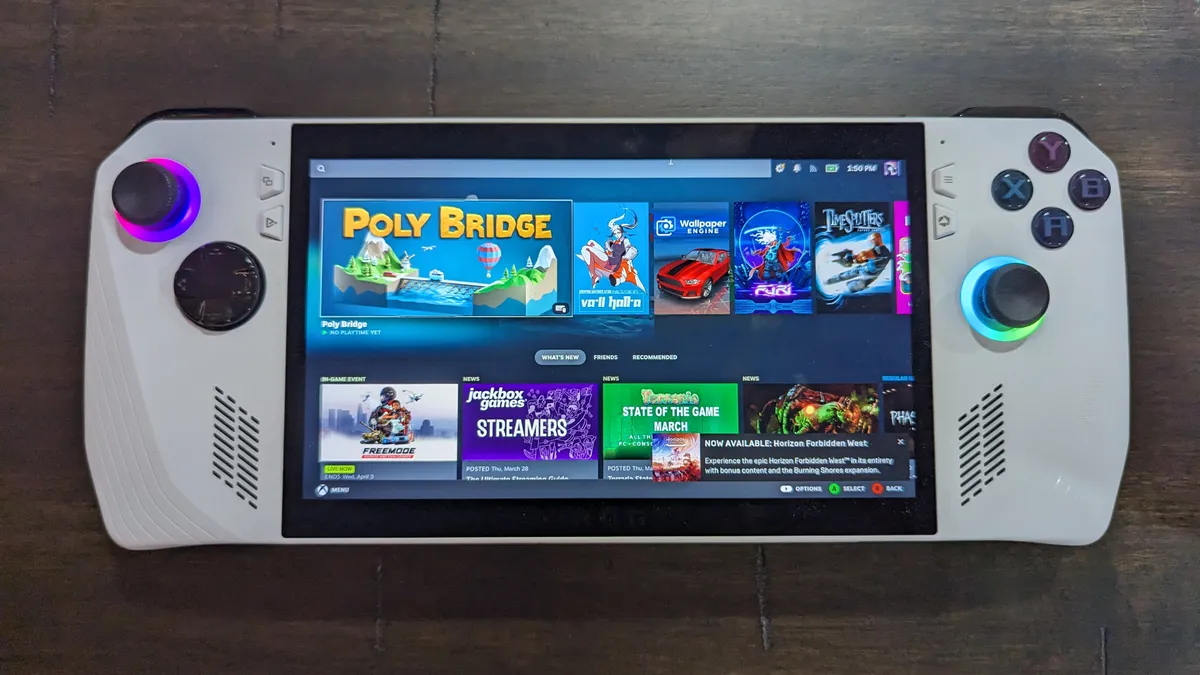
Steam has closed the Advanced Access loophole that gave gamers additional days of game time in addition to the two-hour return window.

Shopping for gaming laptops can be nightmarish, but the process doesn’t need to be daunting if you're informed. Here are the 9 things to consider when purchasing a gaming laptop.