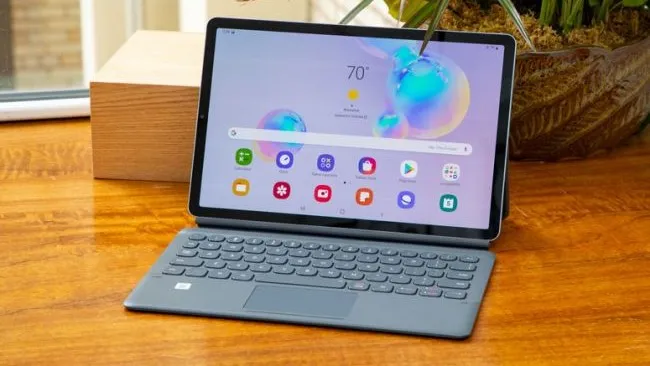
We're expecting to see a number of 5G devices unveiled at CES 2020 in the coming days, but Samsung looks like it will be the first to release a tablet with the latest wireless standard. Samsung confirmed today that a new 5G variant of its Galaxy Tab S6 tablet will launch by the end of the year.
But there's a catch. In a blog post, Samsung wrote that the 5G tablet will be available in South Korea in the "first quarter of 2020."
The main benefit of 5G connectivity is increased data speeds. Samsung didn't specify what kind of data rates to expect from the Galaxy Tab S6 5G, only that 5G will enable "high-quality video conferencing" and the ability to watch live and pre-recorded video streams or play cloud games online with friends.
Unfortunately, there is no word yet on whether the 5G variant of the Galaxy Tab S6 will be made available in other countries. 5G is still in its early stages in most regions (including the United States) but is expected to make significant strides in 2020.
We don't know much else about this 5G variant so we can only assume that it will be similar to the Galaxy Tab S6 we reviewed last year. The tablet starts at $649, so expect the 5G model to cost about the same, if a bit more. The base model Galaxy Tab S6 is powered by a Qualcomm Snapdragon 855 SoC and packs 6GB of RAM and a 128GB SSD.
We were impressed by the Android tablet's fast performance and stunning, 10.5-inch, 2560 x 1600-resolution display. And while Android tablets are practically extinct, replaced by more capable Windows 10 and Chrome OS devices, Samsung's DeX software helps bridge the gap by adding desktop features to a mobile OS.
All things considered, the Galaxy Tab S6 is a worthy tablet and 5G data speeds could be just the killer feature it needs to dethrone the iPad.
5G will be a hot topic at CES 2020, so stay tuned for more coverage in the coming days.

