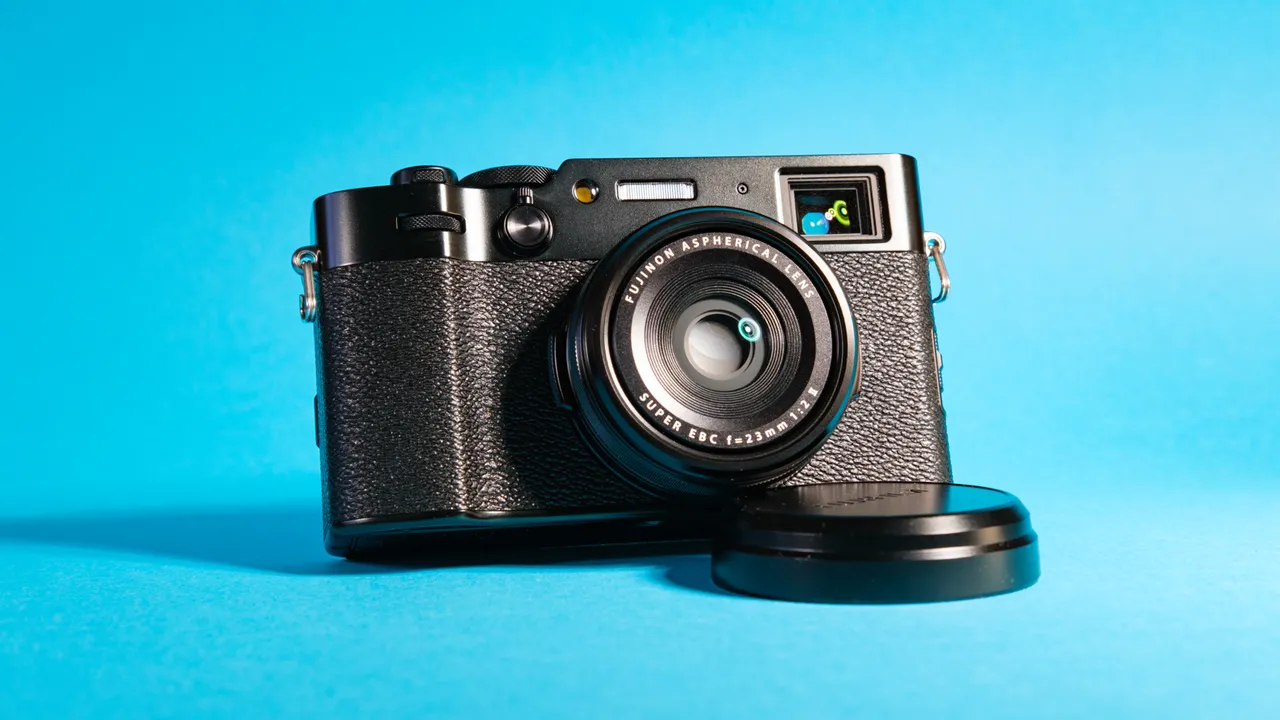
Your first DSLR or mirrorless camera can excite you with its promise of professional-looking photos. But the knobs, dials and buttons on the camera may be intimidating for first-timers, and even pros might not know what some of the controls do. Fear not: Use this guide as a cheat sheet to get the most out of your camera in common shooting situations.
For help with any of the terms we use in this article, please see our Digital Camera Glossary.
What modes should I use?

You'll find a mode dial on top of most cameras. Virtually all DSLR and mirrorless cameras offer a full manual mode that lets you control shutter speed and aperture. It's the photographic equivalent of driving a stick-shift car: If you mess up, the camera won't help you. If you're not confident about handling all of these settings or are shooting in situations with rapidly changing lighting conditions, you're better off choosing shutter or Aperture Priority mode, which we'll explain in a bit.
Novice shooters can try Program mode, in which the camera decides what balance of shutter speed and aperture is best to get a good exposure. However, Program mode allows you to adjust a few other settings, such as ISO light sensitivity.
Many DSLRs and mirrorless cameras offer additional specialty modes. On Canon cameras, for example, you can choose Creative Auto (CA) mode, which gives you some control over the level of background blur (depth of field) and color richness.
A quick note on lenses and camera formats
The size of a camera's image sensor affects the focal length (zoom level) of a lens. Most DSLR and mirrorless cameras use what's called an APS-C image sensor. However, Olympus and Panasonic cameras use a sensor size called micro 4/3, and professional cameras use a full-frame sensor. Throughout this guide, we will recommend lenses for APS-C cameras and offer the equivalents for the other two in parentheses.
How to capture action photos

The correct shutter speed is crucial to how you want an action shot to look, whether you freeze the movement completely or provide varying degrees of blur. To freeze action, follow these steps.
1) Put the camera in Shutter Priority mode. On some Canon cameras, this is labeled Tv (time variable), while on Sony and Nikon models, it's labeled S.
2) Set the shutter speed to 1/250 second to capture most movement, such as people walking around.
3) If your subject is extra fast, you'll want to use much faster shutter speeds. For example, 1/1250 second did the trick for freezing a baseball in mid-flight as well as people jumping in the air.
How do I take portrait shots?

In general, you will get the best results with a shallow depth of field (controlled by the aperture). This keeps your subject sharp but blurs out the background so it doesn't distract. Follow these steps:
1) If you're using a zoom lens on a mainstream camera, set it to about 35mm, or use a 30mm or 35mm prime (nonzooming) lens to get a good nondistorted angle of view on the subject (about 50mm on a full-frame camera or 25mm on a 4/3 camera).
2) Set the camera on Aperture Priority ("A" on Sony or Nikon, or "Av" on Canon) using the mode dial.
3) Use an aperture of f/8 if there is enough distance between the subject and the background — say about 20 feet. If the distance is less, try a larger aperture, such as f/5.6 or larger, to maintain a shallow depth of field.
How do I take landscape photos?

Keep your camera on Aperture Priority, but up your aperture to f9 or higher to keep things in the distance in focus. If you want to keep everything in the picture sharp (from foreground to background), set your aperture at 22 or higher. Using a wide-angle lens, such as those with focal lengths between 11 and 22mm (about 17 to 28mm on a full-frame camera or 7 to 14mm on a micro 4/3).
How do I take photos in low light?

When there isn't enough light in your environment for a good shot, you may want to use a larger aperture or slower shutter speed to let more light into the camera.
Slower shutter speeds could magnify blur caused by movements, such as shaky hands, on the part of the photographer.
If you don't have a tripod or you need to shoot action, turn your camera to Shutter Priority and set your shutter speed to 1/60 of a second. If you have an image-stabilized lens, make sure that function is on, and you can set the shutter speed even slower if needed — for example, to 1/30 of a second.
Whenever possible, use a tripod, or something stable, such as a table or window ledge, on which to rest your camera. If you've done that and have an image-stabilized (IS) lens, turn off image stabilization. While IS helps during handheld shots, it actually introduces a bit of shake if the camera is sitting perfectly still.
This scenario with a slow shutter speed works well for shooting scenes with little or no movement, such as a building at night. You'll also want to use Timer mode or a remote control (connected via cable or wireless smartphone app) to trigger the shot, eliminating the shake that happens when your finger presses the Shutter button.
Advanced shooters with a DSLR using a remote control can set "Mirror lockup" in cameras with that function. This locks the mirror in the raised position so that it doesn't have to flip up and cause vibration. Pressing a button on the remote simply opens the shutter to expose the sensor.
How do I use high dynamic range (HDR)?

HDR instructs the camera to capture the same scene at several different exposure levels (usually three) and combine the images so that all components — from brightest to darkest — are properly exposed.
This is most useful for pictures with varying light settings in one scene, such as a landscape photo of a forest with dark trees in the foreground but bright sunshine in the background.
On some cameras, you can determine what exposure compensation stops to shoot at, and you adjust that by going into the camera's settings.
What ISO light-sensitivity settings should I use?
Get more detail in dark rooms or at night by adjusting your ISO light sensitivity. Setting your ISO to Auto will serve you well on most cameras, and frees you up to concentrate on other relevant settings (such as shutter speed or aperture).

To reduce grain in your pictures, though, set your camera to cap ISO at the highest level that still produces acceptable photos. ISO 3200 is a pretty safe bet, but some cameras can go higher before images become too grainy.
As a rule of thumb, use the lowest ISO possible that still achieves proper exposure as well as depth of field (aperture setting) and shutter speed (motion freeze or blur) that you're shooting for. If you have to go higher though, it's better to do that and get the shot rather than miss it.
Whether you decide to adjust ISO manually or leave it up to the camera, make sure to turn on Noise Reduction to keep out fuzziness in your pictures. Some cameras offer varying degrees of noise reduction. Experiment to find the one that removes enough graininess without removing too much detail from the images.
MORE:How Many Megapixels Do You Really Need?
How do I get a well-exposed photo?

A camera's light meter determines how much light is needed for a properly exposed photo and tells you via the display if your current setting is correct.
An often-neglected tool on cameras is a histogram, a graphic showing the distribution of light and dark elements in the frame. Ideally, a histogram will look like a bell curve, with most of the image in the midtone levels of brightness.
Most cameras offer three metering modes: Spot, Center Weighted and Evaluative (aka Matrix or Pattern). Evaluative will typically be your best bet, since it looks at the whole image and determines the best exposure for the overall picture.

If you're still getting overexposed or underexposed images, you can try changing over to Center Weighted or Spot Metering modes, or adjusting the exposure compensation (see below).
Spot Metering makes the camera measure just a small spot in the center and ignores the rest of the frame, while Center Weighted considers the whole picture but emphasizes the center. This setting is useful for situations in which a specific area in the image is lit up but the surrounding region is dark, such as a singer on stage or a person blowing out birthday candles.
How do I make photos lighter or darker using exposure compensation?
In one of the priority or auto modes, most cameras shoot for what their makers have set as an ideal level of exposure. However, you tweak shutter speed, aperture or ISO; the camera will compensate with the other settings to match the same level of exposure.

You can fix overall brightness by turning up or down a setting called exposure compensation. The tool to do this is typically marked by an "EV" sign on a scale, with "1, 2, 3" and "-1, -2, -3" on either side of a "0." Each mark between these digits is a third of a stop, and you start at "0" for every picture and move toward the positive numbers for brighter images and negative for darker images.

Normally, you'll only need to adjust exposure compensation by between one-third of a stop and a full stop. Always refer to your camera's built-in histogram to get a good idea of how your image is exposed.
How do I adjust white balance?
If your pictures' color looks somewhat off — for instance, if it's yellowish or bluish — you might need to adjust the camera's white balance to counteract ambient lighting with a heavy color cast. Most cameras have adequate automatic white balance for general shooting situations but require tweaking in low-light situations, such as under incandescent lights.

A quick fix for this is to switch to one of the preset white-balance settings. You'll typically find Daylight, Tungsten or Shade as some of the available options, and using Tungsten under incandescent light usually fixes pictures that are too yellow.
If the color still looks off, you may need to set the white balance manually. You'll need to provide the camera with a white-colored object for reference, like a blank sheet of white paper.

Depending on your camera model, this could be as easy as toggling White Balance mode to Custom and shooting a reference picture of the paper to show the camera what "white" should look like. However, on some cameras, such as the Canon EOS 70D, manual White Balance is a complicated procedure that requires going into your device's settings, choosing Custom White Balance and shooting a reference object.
Follow Cherlynn Low @cherlynnlow and on Google+. Follow Tom's Guide at @tomsguide, on Facebook and on Google+.