iPad Air going Pro? 12.9-inch model tipped for this major display upgrade
Apple stans unite! The iPad Air is leveling up

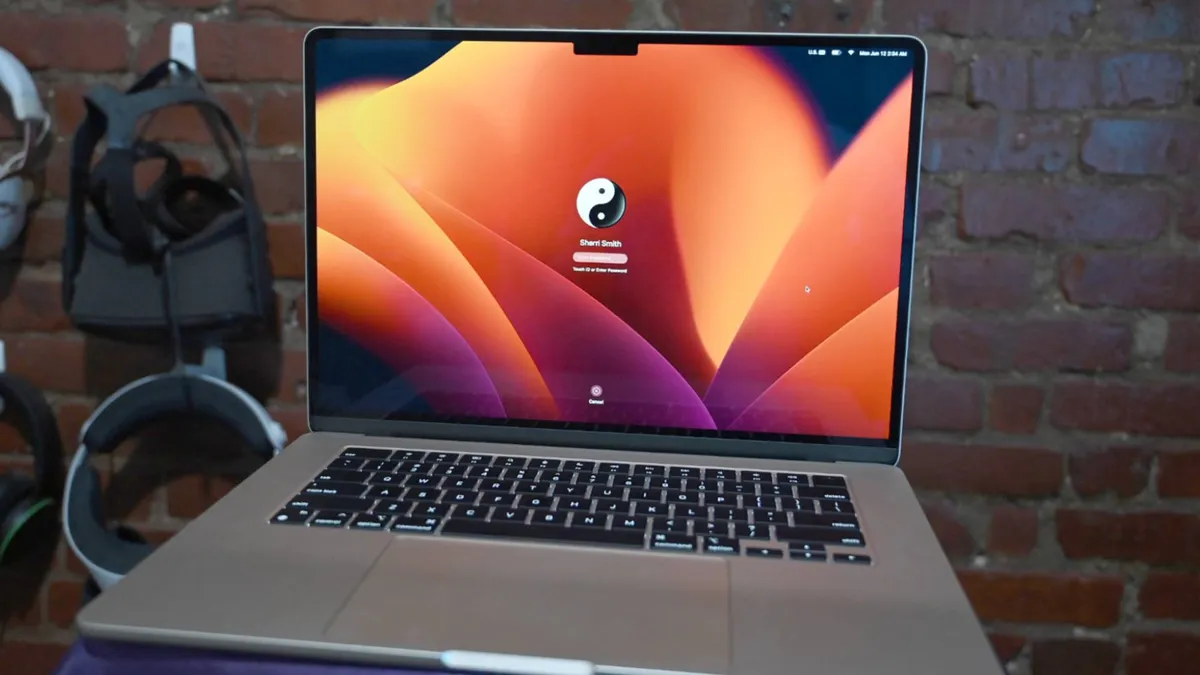
Picking the best MacBook is a tough call, but we've tested and reviewed every model to make sure that you know which Apple laptop you should buy.
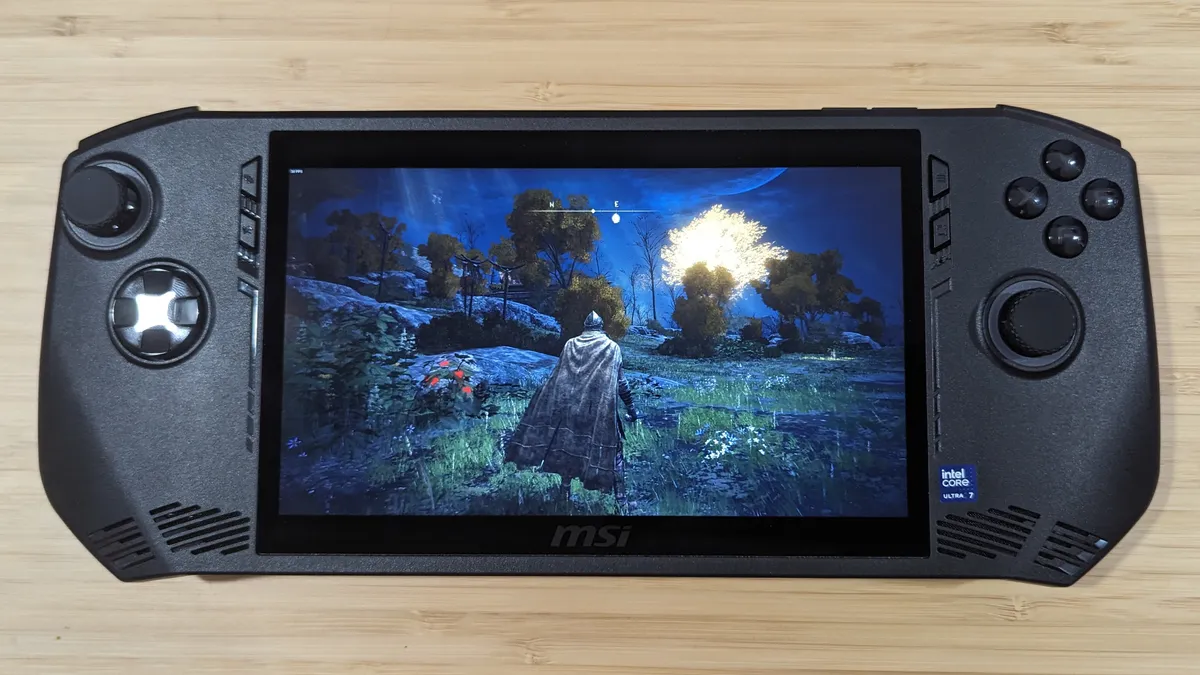
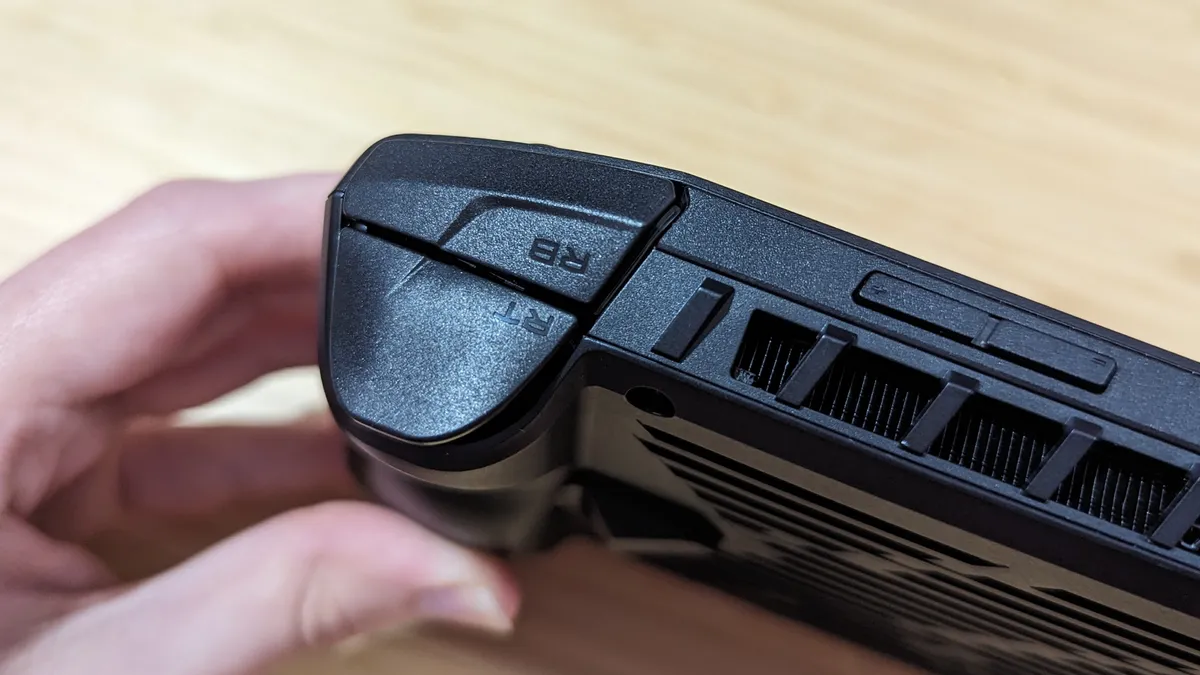
The MSI Claw benefits from solid productivity performance and an ergonomic grip, but with software issues, design faults, and inferior gaming performance, you can do better for a lower price.
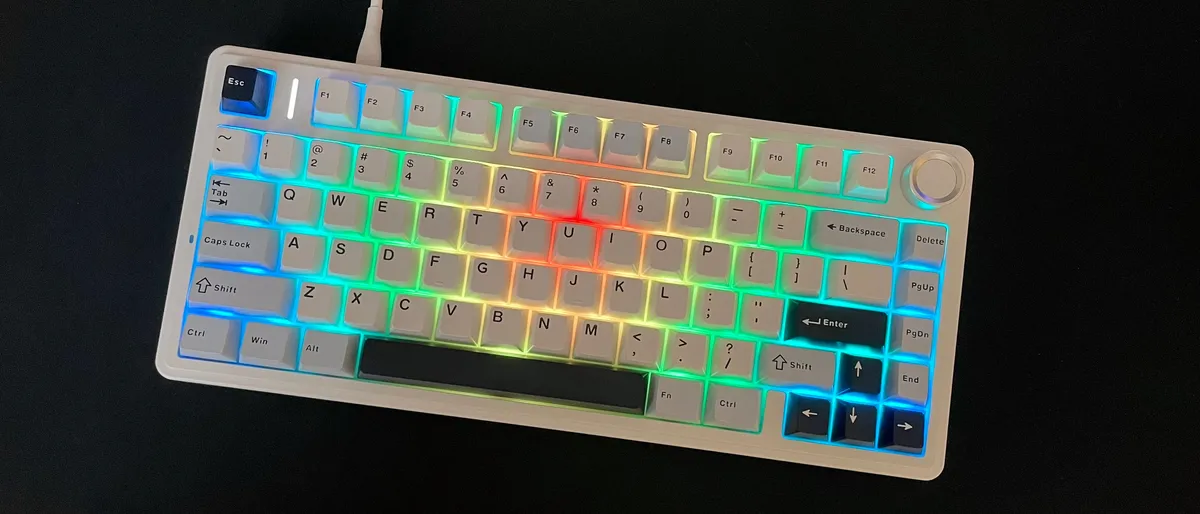
The Epomaker x Aula F75 mechanical keyboard is a budget-friendly powerhouse that delivers serious bang for your buck for both typing and gaming.

The Dell Inspiron 14 Plus is a portable powerhouse with impressive battery life, held back only by a blurry webcam and minimal USB-C ports.
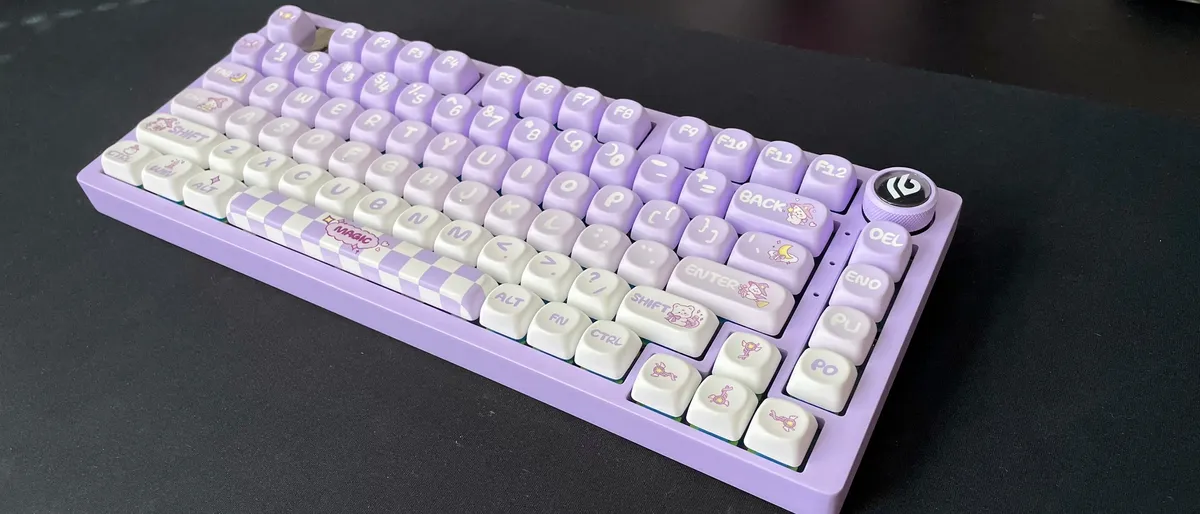
The Epomaker x Leobog Hi75 is a budget-friendly mechanical keyboard that’s easy to recommend thanks to its fantastic sound quality, full aluminum case, and extensive customization options.
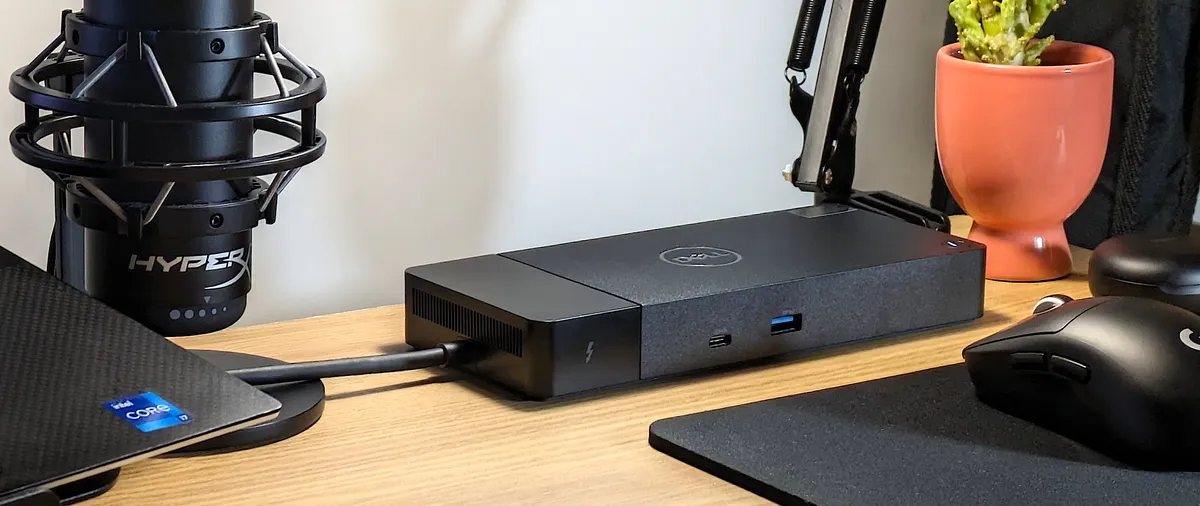
The Dell Thunderbolt Dock brings one of the best Thunderbolt experiences to Dell laptops and platforms, offering excellent performance and unrivaled power delivery.

The DJI Mic 2 combines superb audio recording with a sleek redesign, making it a standout choice for content creators.

The best tablet deals from a variety of retailers. Save big on today's best tablet PCs.

EU iPhone users can finally download the first official third-party app store, and US iPhone users just get to watch the fun unfold.

Here’s everything that we know so far about PS5 Pro, from the release date and price to the games and more.

The best Chromebook deals right now from budget to premium laptops

Sony just dropped the mic with their 2024 BRAVIA lineup, completely redefining what BRAVIA means. It's not just TVs anymore, folks - it's a full-fledged home cinema powerhouse.

Forget the Copilot key, embrace the one-click shortcut to ChatGPT with Logitech's Signature AI Edition M750 Wireless mouse.