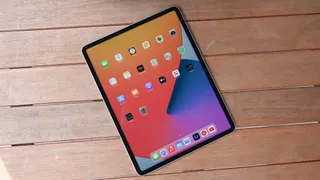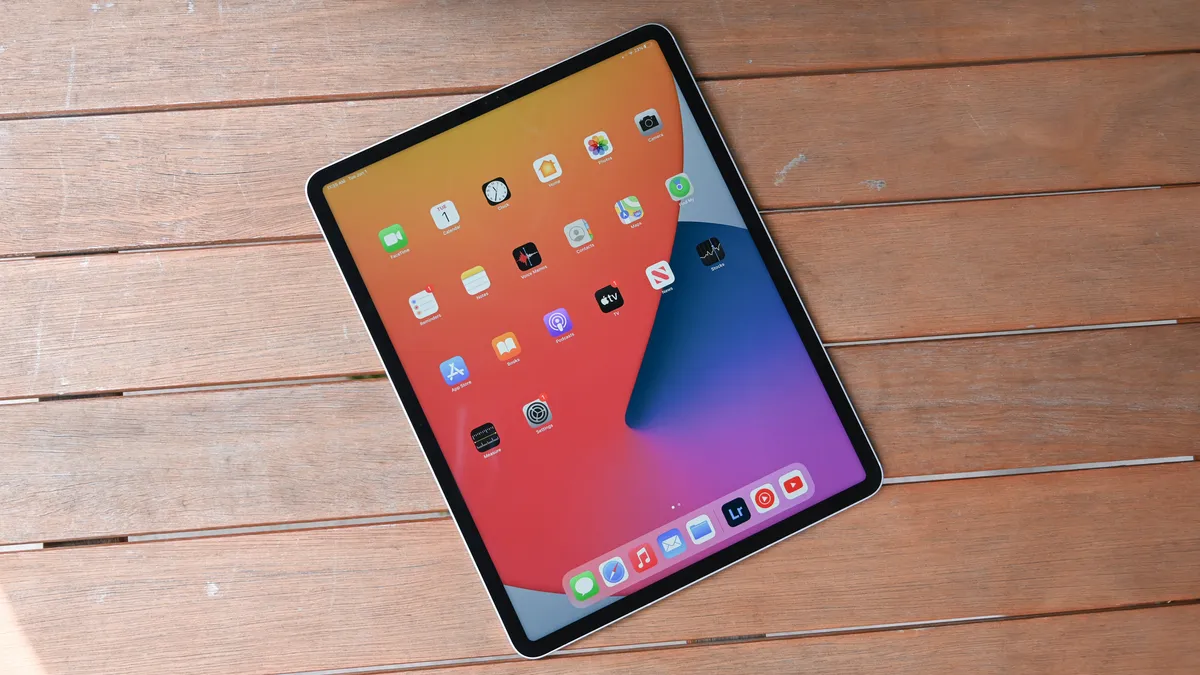
Best iPad deals of April 2024: Save up to $100
See today's best iPad deals from the best places to buy an iPad
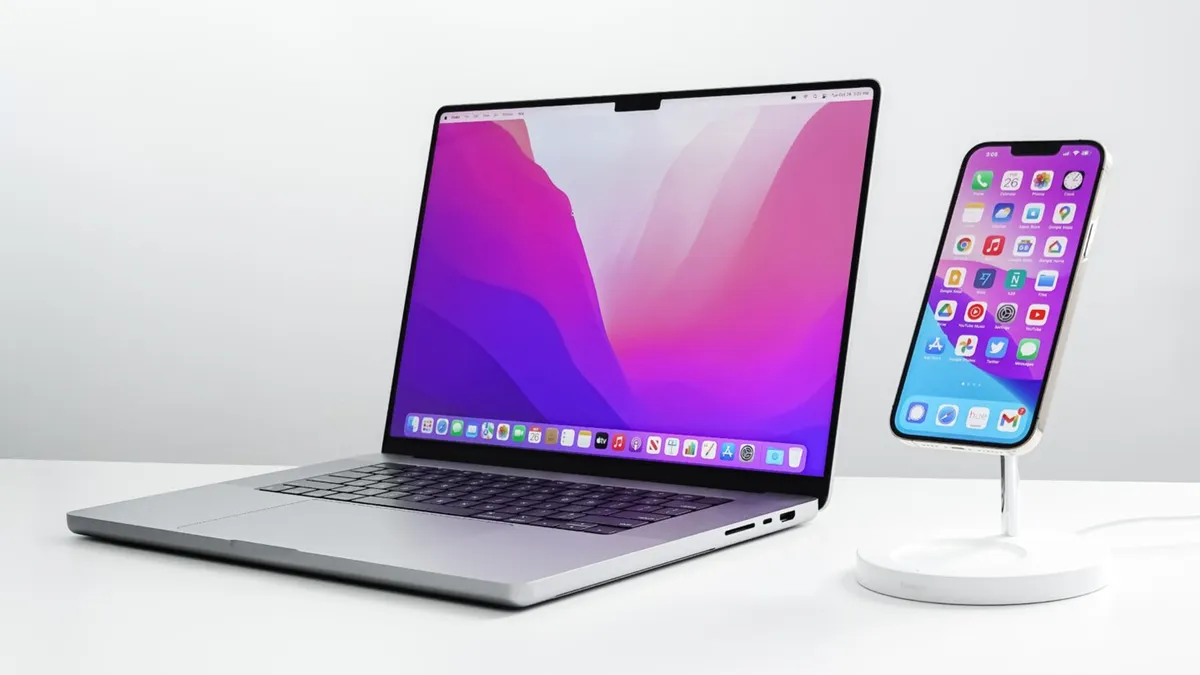
Picking the best MacBook is a tough call, but we've tested and reviewed every model to make sure that you know which Apple laptop you should buy.

Ori and the Blind Forest meets Black Panther in this inspiring fantasy platformer
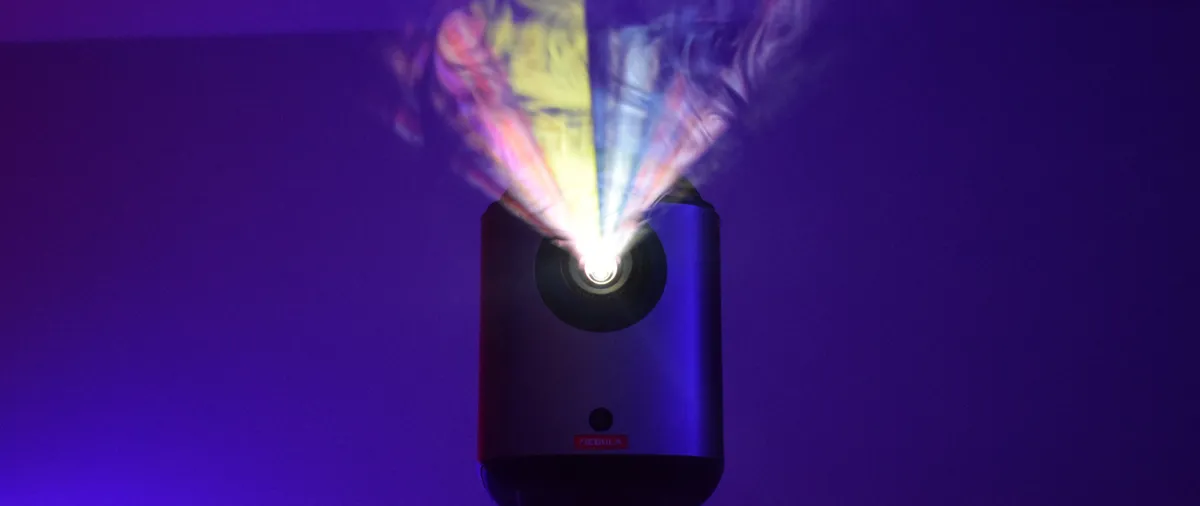
The Anker Nebula Mars 3 Air is proof that good things come in small packages, bringing a cinema experience into the home with spacious audio, quality pictures, and a hassle-free setup.

The Endgame Gear OP1 8k gaming mouse is a weightless speed demon

The Dell XPS 14 offers excellent performance and graphics packed into a sci-fi design you’ll fall in love with for roughly 10 hours per charge, but I’m still upset about its dull display.

A stylish, reliable, premium laptop held back by a few sub-par features like a dim display, grainy webcam, and a soft keyboard.

The Akko Sailor Moon Crystal 5087B v2 gaming keyboard excels with soft PBT caps, an adorable aesthetic, silent but satisfying keypresses, and customizable per-key RGB lighting.
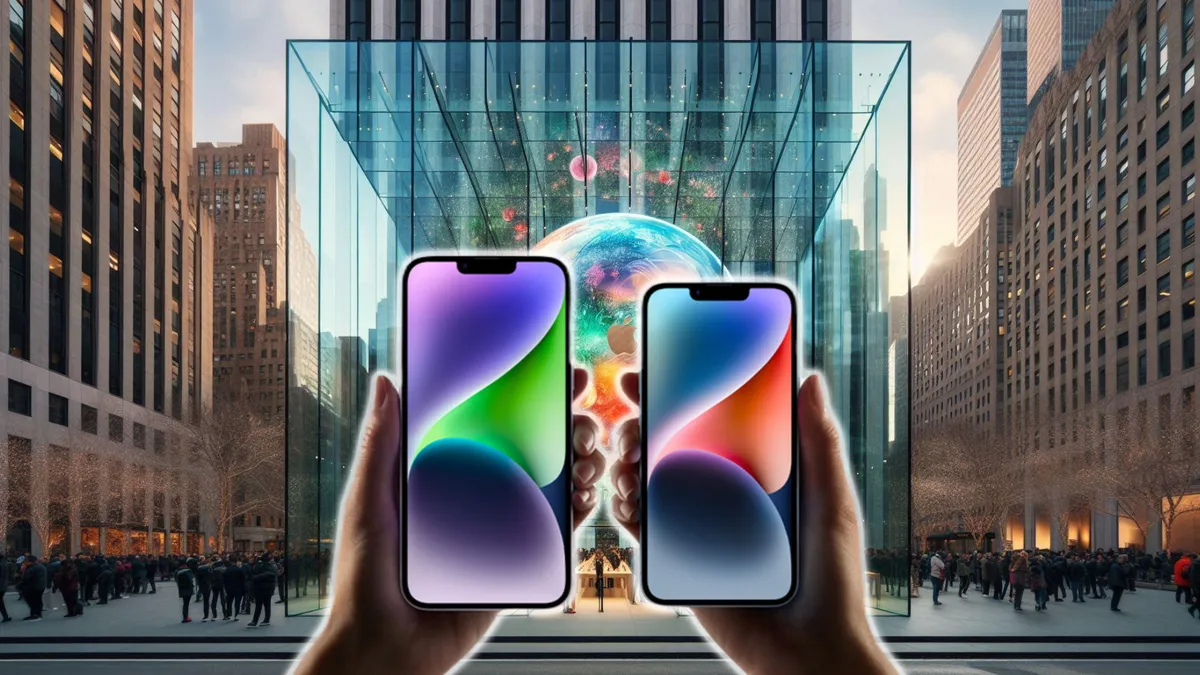
After years of rumors and speculation, it seems Apple might finally be ditching those clicky buttons for a sleeker, more modern approach.

iPadOS 18 could include some major new AI tools, but a lot of iPads could get left behind. Here’s what we know so far, including release date, rumors, and more.
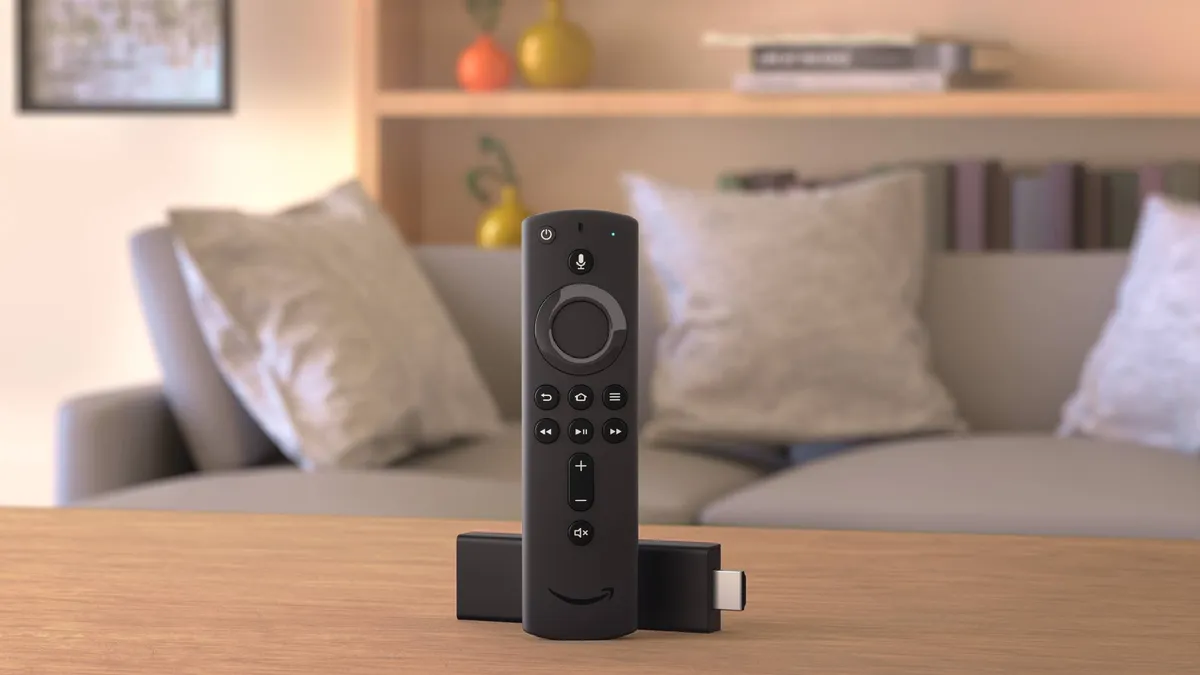
Save on a new media player with the best streaming device deals

Check Sony PlayStation Portal stock status at Target, Walmart, Best Buy, Amazon and others
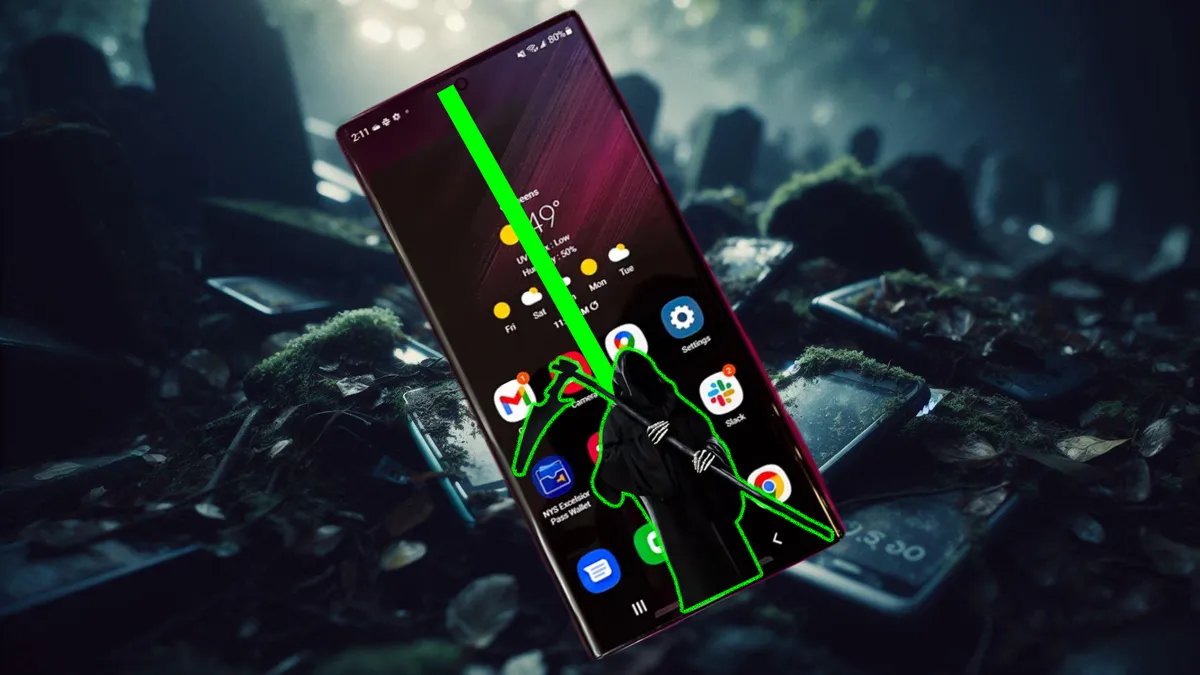
A recent software update seems to be causing a nasty "green line" issue on some devices. But don't worry, Samsung has (some of you) covered.
Meta is opening Horizon OS to power a new generation of headsets from ASUS, Lenovo, Xbox, and more. Here's how it could transform the entire mixed reality market.